

Product
One system, five areas.
Accounting at the centre, and the rest of the business around it. This is what Proda One does today, area by area. Where something is not live yet, this page says so.
Account
Books that are built by the work, not after it.
Sales, purchases, stock and production post to the ledger as they happen. Nothing in the ledger is ever edited or deleted: a correction is a reversal you can see.
Not live yet
- The accounting has not yet had its independent review by a South African tax practitioner. That review is a condition of general sale.
- General ledger and journals
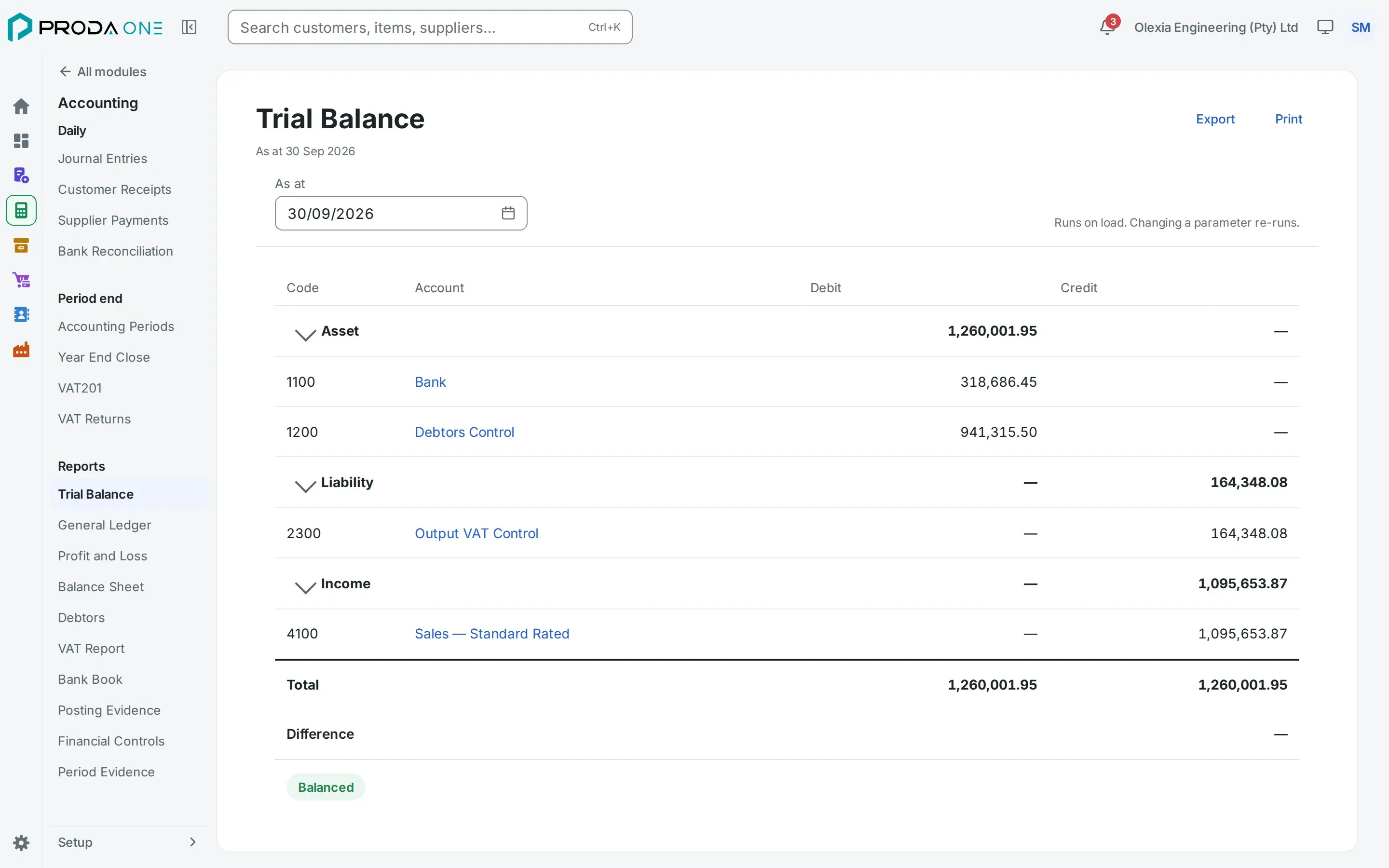
- One ledger behind every module, with every entry traceable to the document that made it.
- Banking and reconciliation
- Reconcile against your statements, record charges, interest and transfers as you go, and import FNB business statements.
- VAT201
- Prepared from your books. Review it, record it as filed, and record the payment to SARS. It warns you first about drafts and unmatched bank lines.
- Financial statements
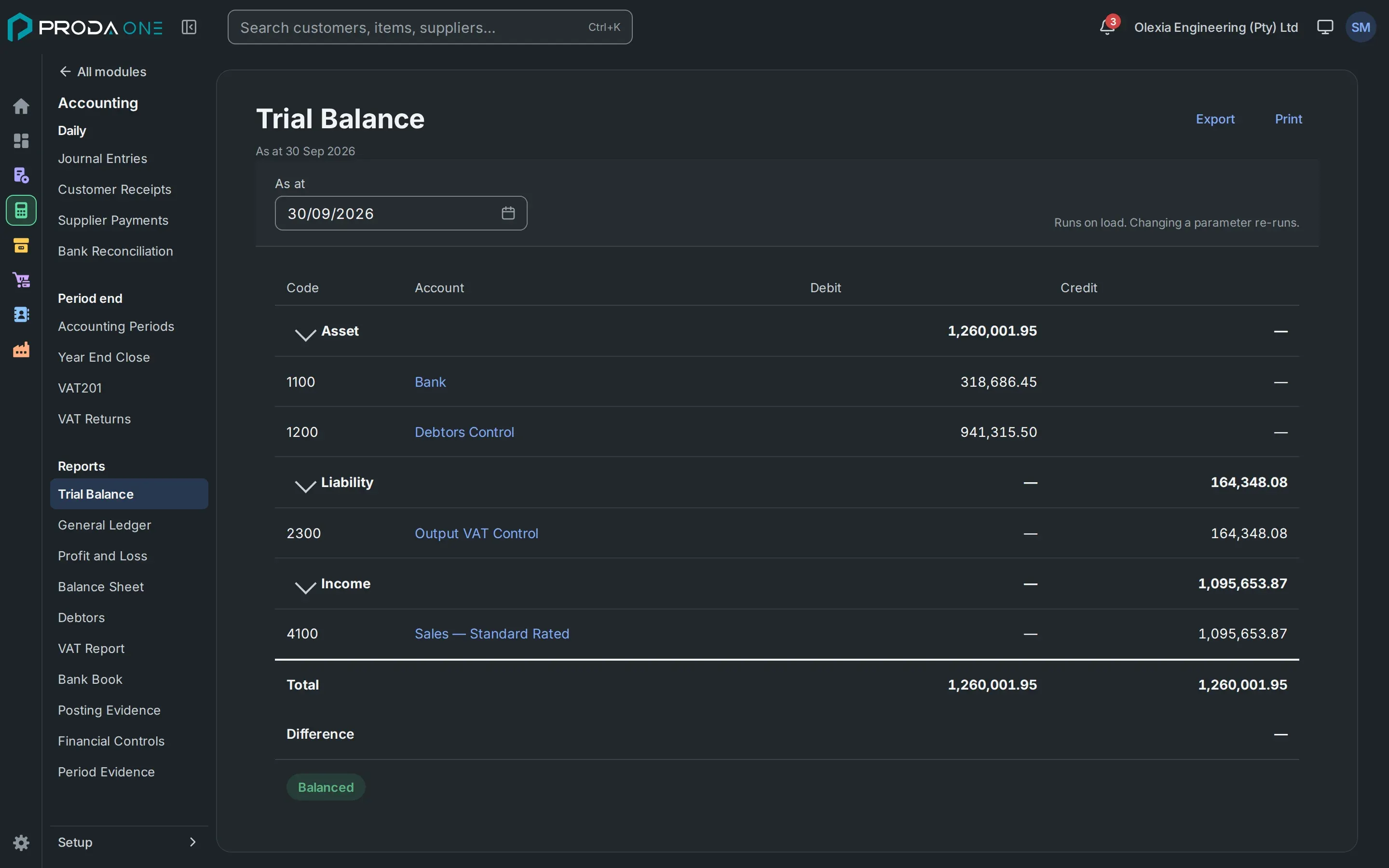
- Profit and Loss, Balance Sheet, Trial Balance and General Ledger, on screen and in print.
- Periods and year end
- Close a period once it is checked. A Financial Manager can reopen one for a short, recorded time.
- Switching over
- Bring in your opening balances, open invoices and stock when you move from another system.
Sell
From first enquiry to paid invoice.
Every sales document comes from the one before it, so the price you quoted is the price you invoice.
Not live yet
- Email Marketing builds contact lists with consent, newsletters and campaigns, but cannot send yet.
- Social Media lets a team write and review posts together. Publishing to the networks is not live.
- Quotations
- Quote from your item list or add one-off lines. Quote someone who is not a customer yet, and make them one when they order.
- Sales orders and deliveries
- Accepting a quotation creates the order. Deliveries move the stock and show on the customer’s page.
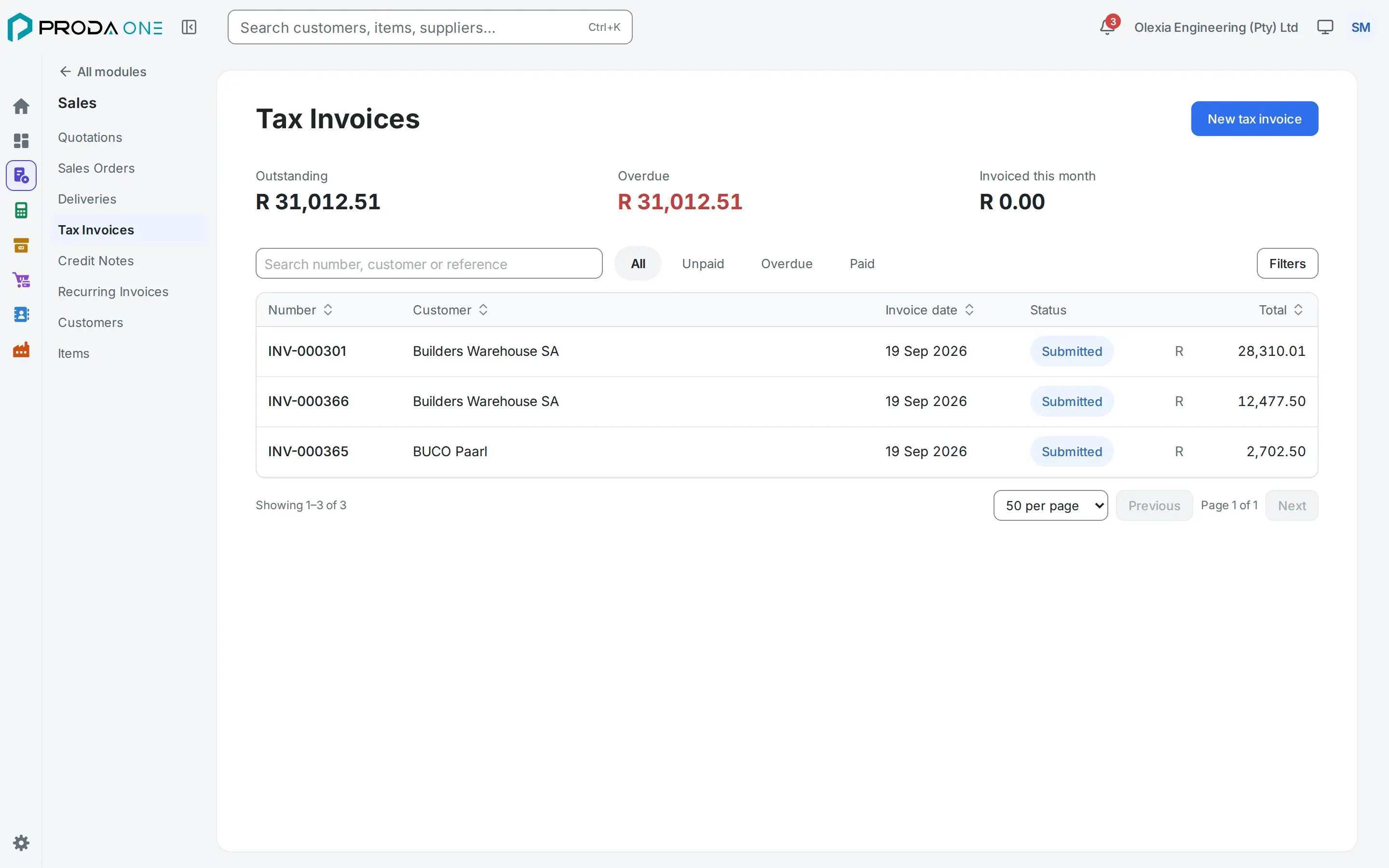
- Tax invoices and credit notes
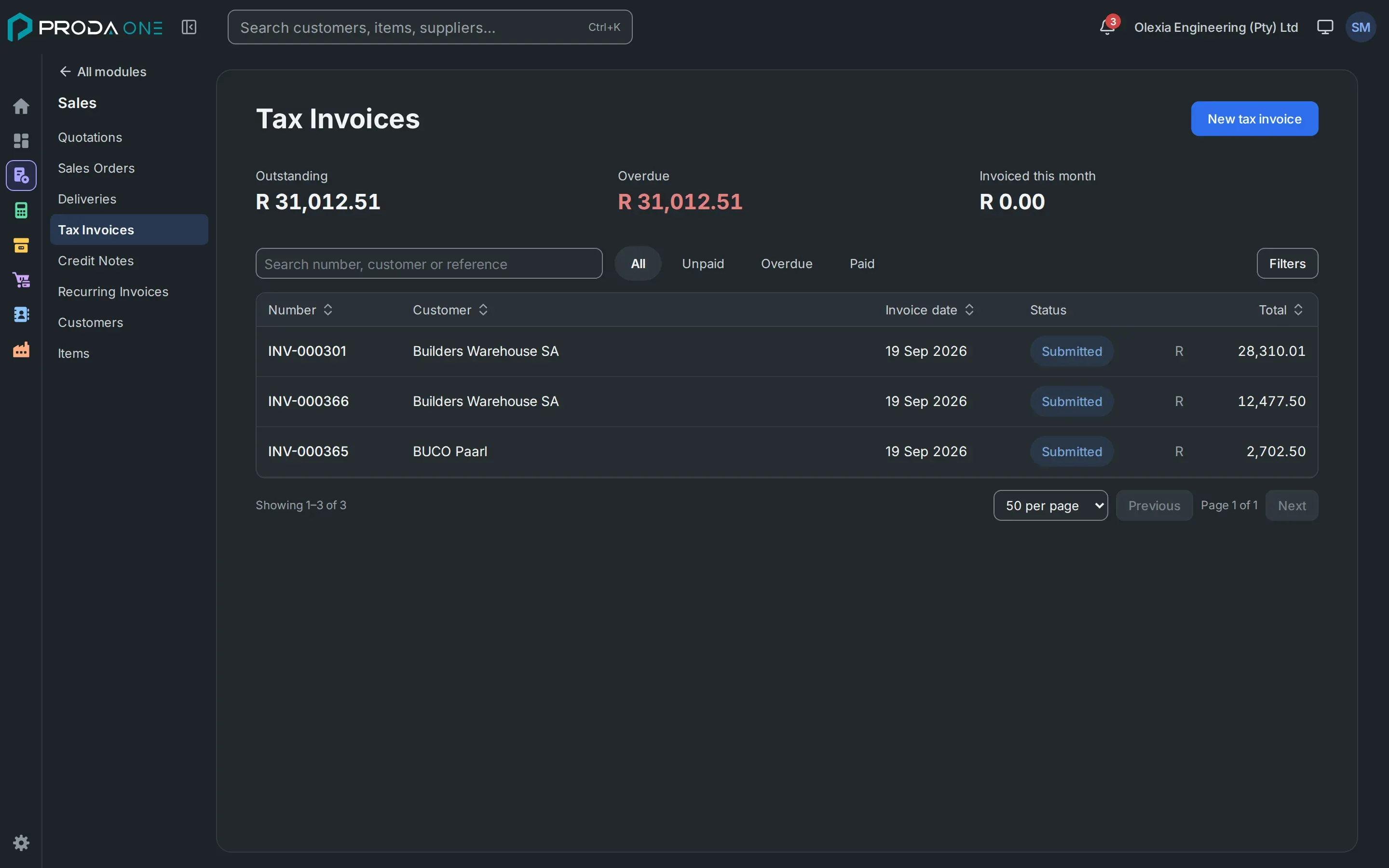
- Invoice what was delivered. Allocate credit notes to invoices, and refund unused credit.
- Recurring invoices
- Weekly, monthly or yearly. Each one is made as a draft for you to check before it goes out.
- Customer statements
- What is owed and how old it is, ready to print or email.
- CRM
- Follow leads and opportunities from first contact to won or lost, with a timeline of what happened.
Buy and stock
Know what is ordered, received and on the shelf.
Purchasing and stock share one set of items and suppliers with sales and production.
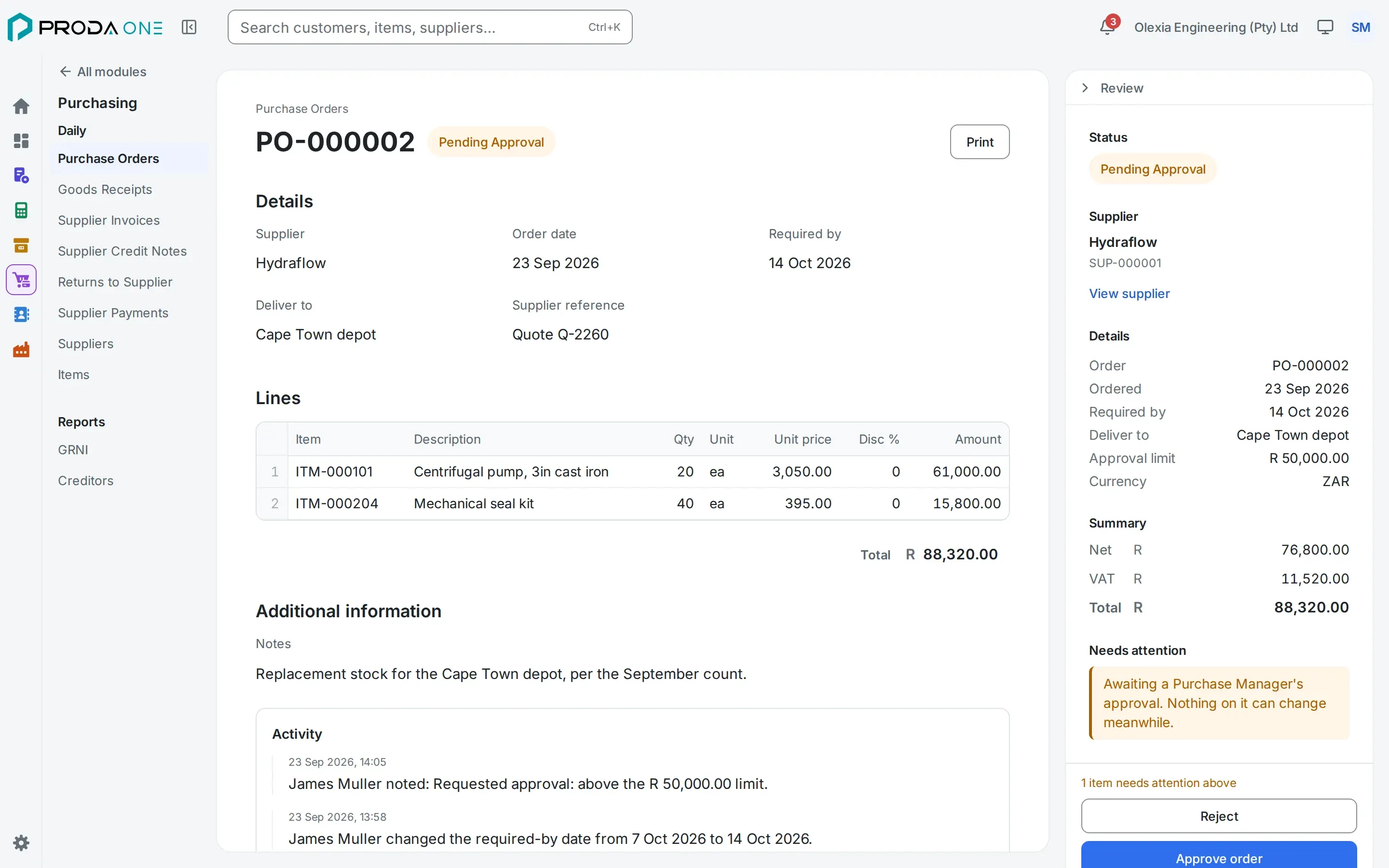
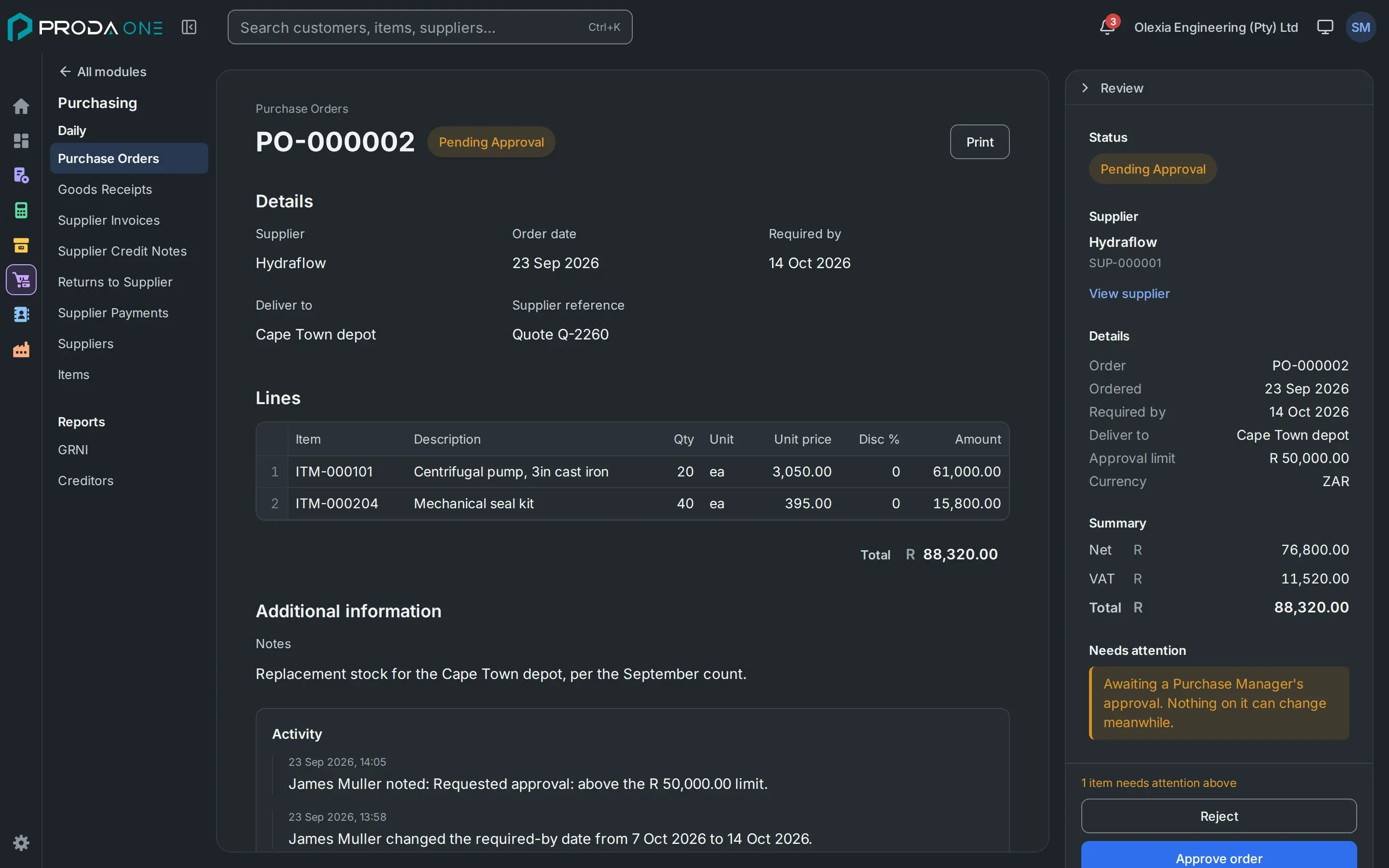
- Purchase orders
- With approval limits: an order above a buyer’s limit waits for a Purchase Manager.
- Goods received
- Receive against the order, and see what has been received but not yet invoiced.
- Supplier invoices and credit notes
- Bill a purchase order in one step. An invoice lists everything it still needs before it can be posted.
- Supplier payments
- Pay one invoice or spread a payment across the oldest first.
- Stock on hand
- By item and by warehouse, with a stock ledger behind every figure.
- Stock movements
- Receipts, issues, transfers and counts, each posted with its reason.
Work and people
The rest of the working day, in the same place.
The tasks, meetings, documents and conversations around the work, without another subscription.
Not live yet
- People has not yet been reviewed by a labour-law practitioner, and says so on screen.
- Mailboxes connect by SMTP today. Microsoft 365 and Gmail sign-in are not live.
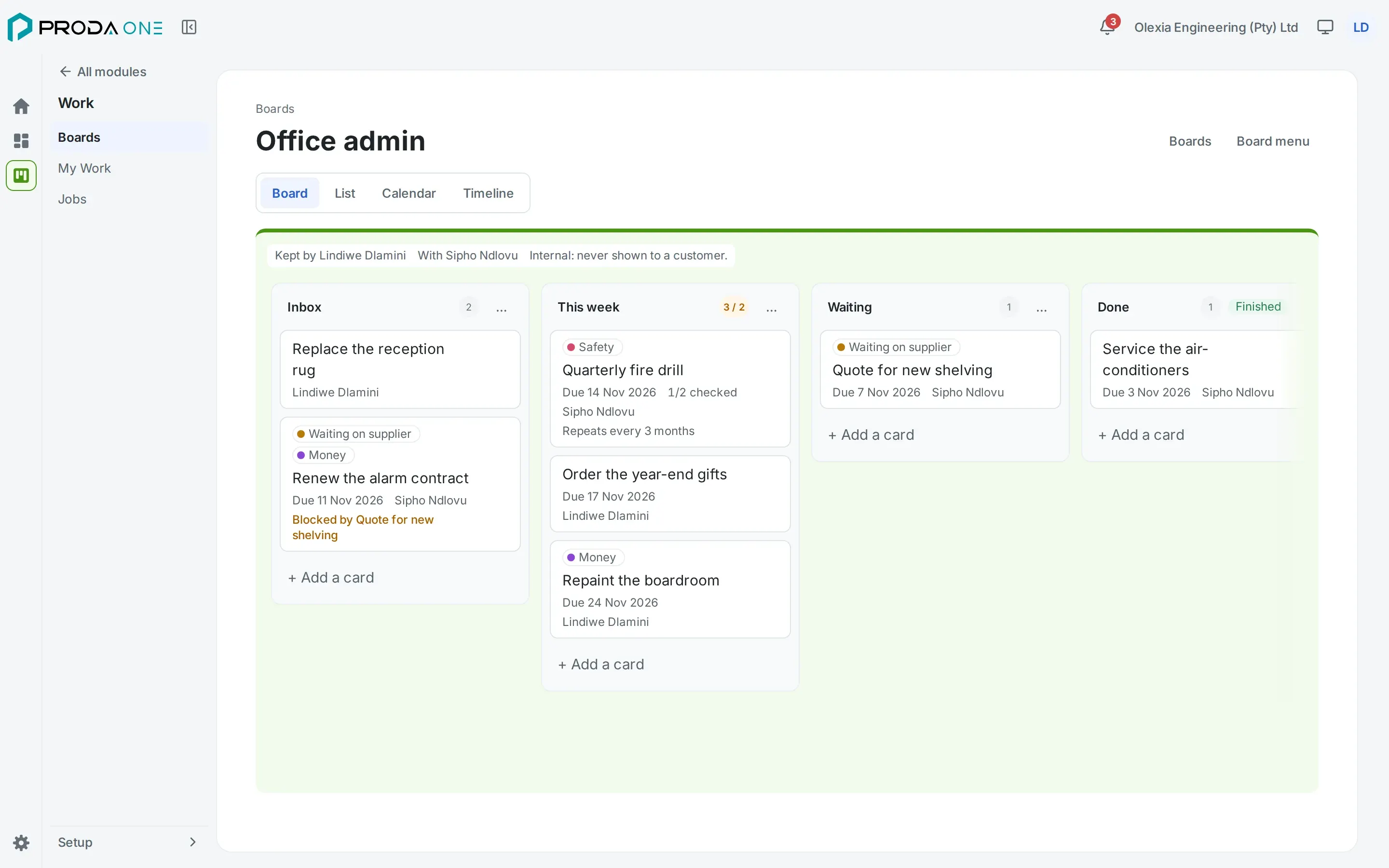
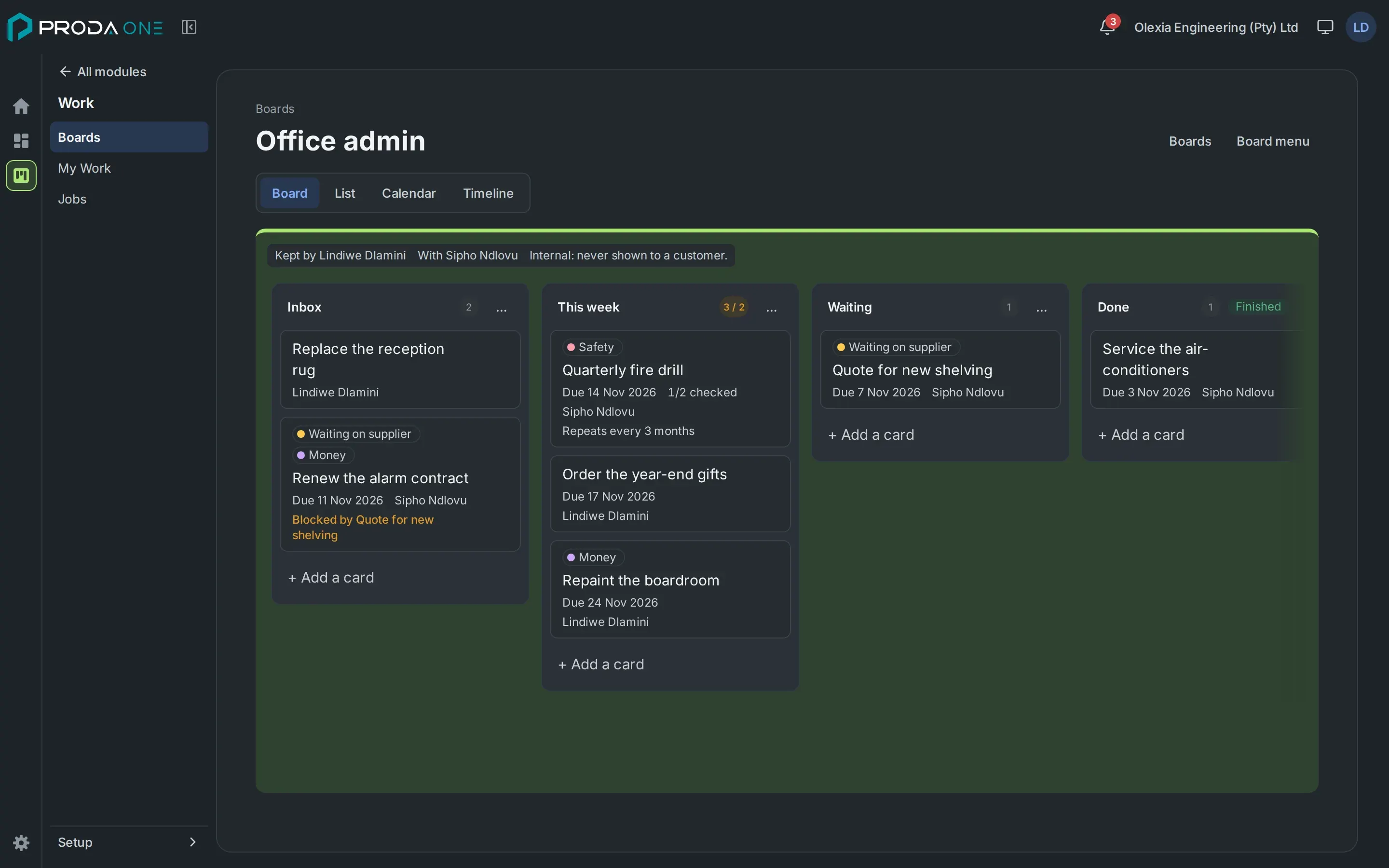
- Work boards
- Team boards and personal tasks, seen as a board, a list, a calendar or a timeline.
- Calendar
- Day, week and month views. Invite colleagues, who accept or decline.
- Files
- Your own documents and your company’s shared folders, with versions and sharing.
- Chat
- Channels and direct messages beside the work.
- People
- Staff records, leave and payroll exports, and My HR where each person sees their own.
- Address Book
- Every customer, supplier and contact in one place.
Make
If you manufacture: production and its real costs.
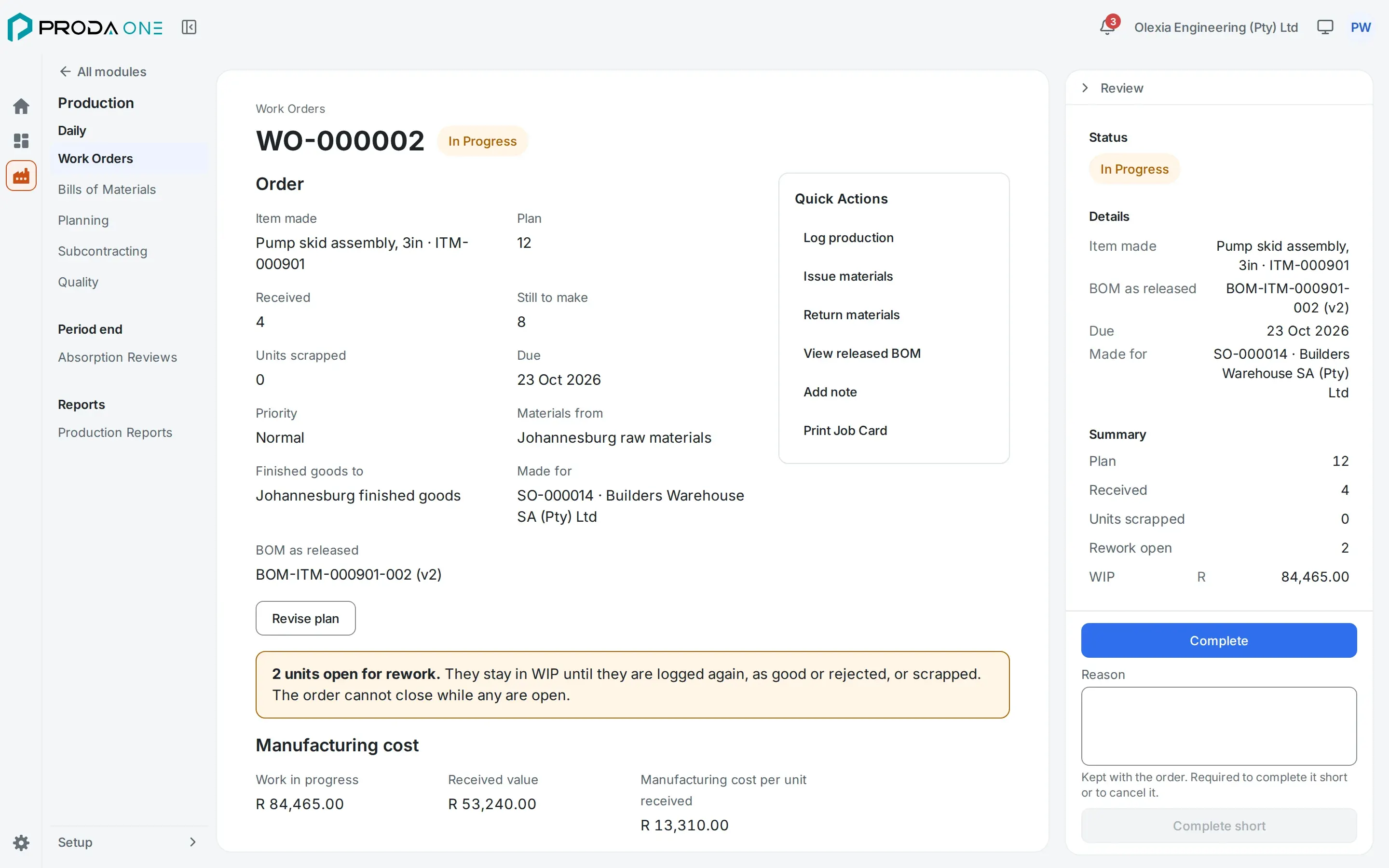
For companies that make things. Production uses the same stock and posts to the same ledger, so the cost of a job is a number from your books and not an estimate in a spreadsheet. People without a production role never see it.
- Bills of materials
- Materials, operations and a cost roll-up. An active BOM never changes: a new design is a new version.
- Work orders
- Issue materials, log production, and record scrap and rework against the order.
- Production board
- Every work order as a card, by stage, with its due date and priority.
- Work in progress and costing
- See what each order has cost so far and the manufacturing cost per unit received.
- Job cards and the shop floor
- Print a job card, or log production from a shop-floor screen.
- Planning and quality
- Plan what to make next and record quality checks.
Platform
Underneath all five.
- Import and export
- Bring in customers, suppliers, items and more from a spreadsheet, and export a list back out. A company export returns your records and ledgers; the line detail of documents is not in it yet.
- Developer API
- Connect your own tools to your company’s data over HTTPS.
- Roles and licences
- People see the areas their role needs. What a person may not use is not shown to them at all.
- Any screen
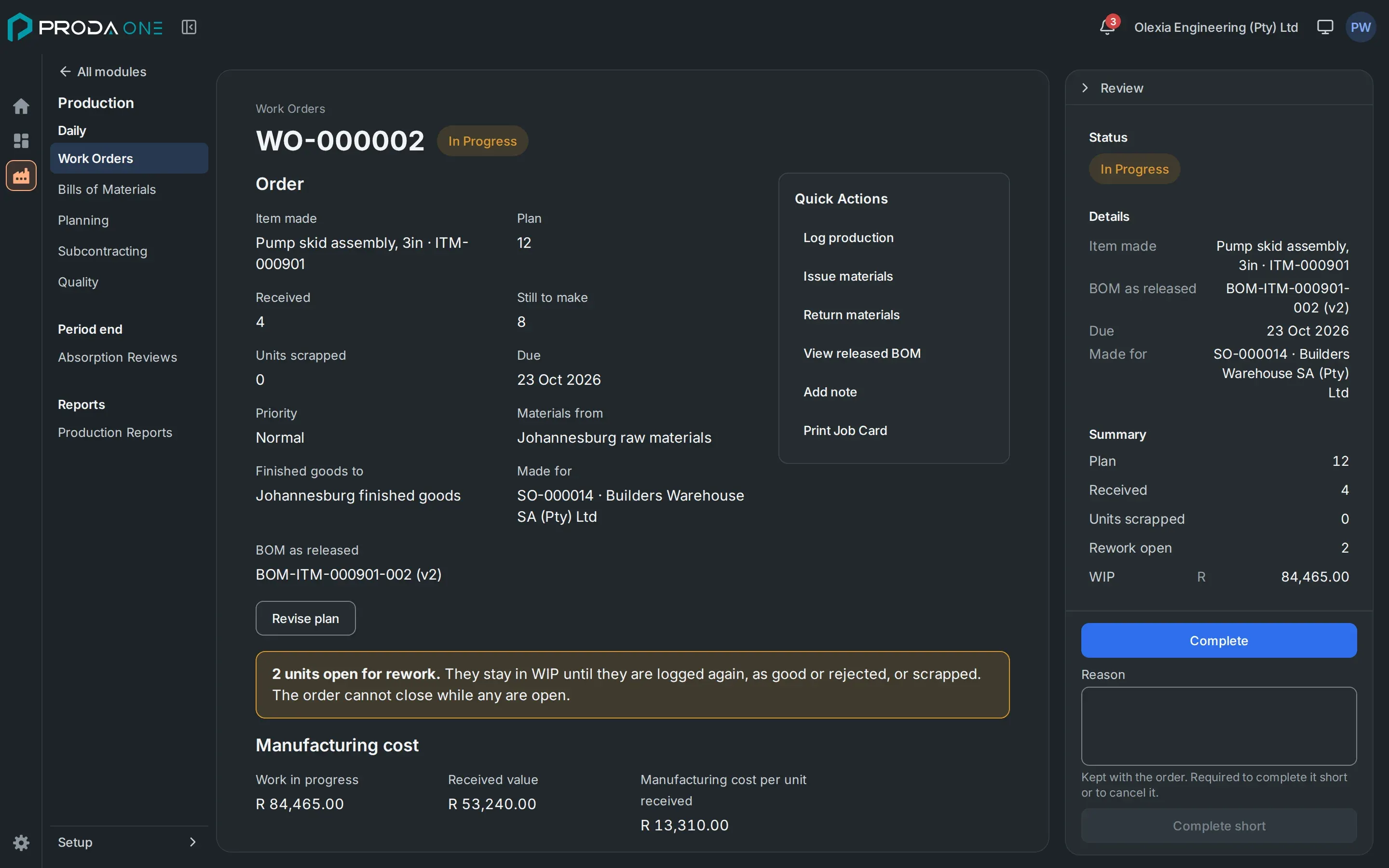
- Light and dark appearance, and layouts made for a phone as well as a desk.
See it with your own kind of business.
Proda One is in early access with pilot companies. Pricing is on request during early access.
Get early access